
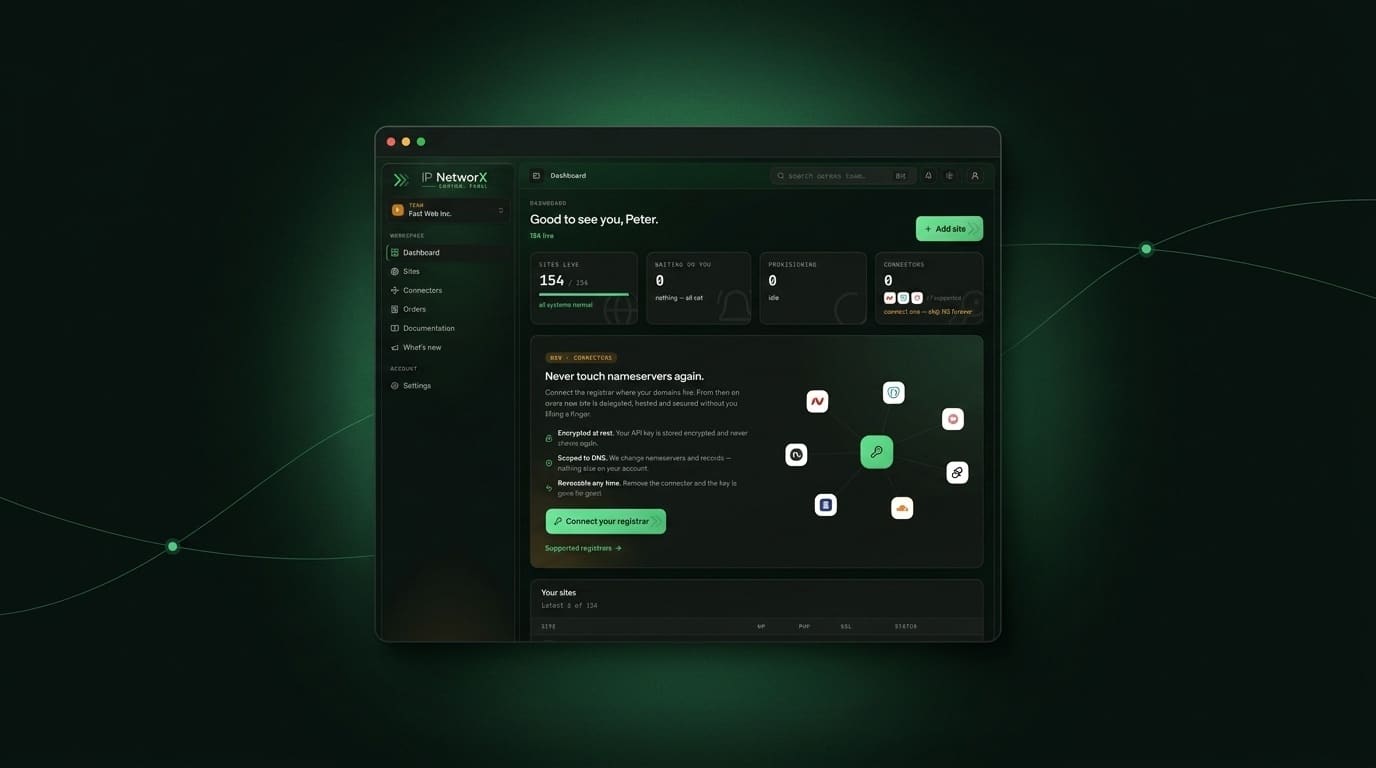
We rebuilt your control panel from the ground up, and today it’s live for everyone. It’s quicker, cleaner, and built around the things you actually do every day: spin up a site, drop WordPress on it, point a domain, and get back to your work. Here’s a tour of what you can do right now.
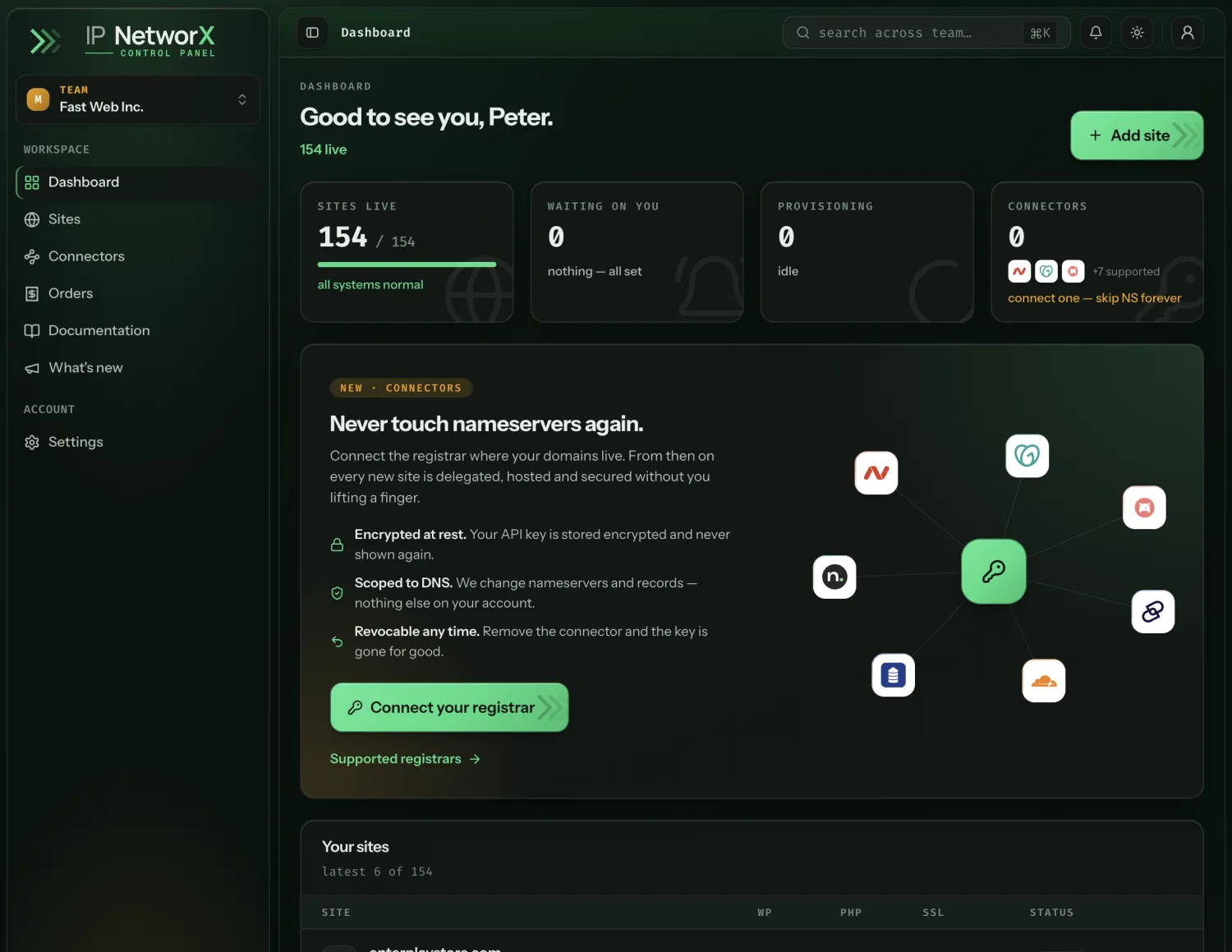
The new dashboard is designed to give you a quick overview over your fleet and alerts you about important issues.
Your sites, beautifully organised
The new dashboard greets you with a clear read on everything you host. You can see at a glance which sites are live, which are still setting up, and which need a moment of your attention, so nothing gets missed.
Adding a site takes a single short form, and we handle the rest. Pick a name, and we provision it for you.
Once you’ve got more than a handful of sites, projects keep them tidy. Group sites by client, by brand, or however you like, then filter, search, sort, and even export the whole list to a spreadsheet.
One-click WordPress
Every site comes with a one-click WordPress installer: no FTP, no databases to create, no wp-config.php to touch. Fill in a short form, and a moment later WordPress is ready.
It gets better:
- One-click login. Jump straight into
wp-adminfrom the panel, signed in, without ever typing a WordPress password. - Templates. Save a WordPress setup you like (themes, plugins, settings) as a template, then reuse it on your next site so every install starts exactly how you want.
Control your hosting, no command line needed
Need a different PHP version for a plugin or framework? Switch it from the panel in a couple of clicks.
And when you want to get under the hood, one-click access to your hosting control panel is right there. We mint a fresh, short-lived login for you on demand, so your control-panel password never sits in a page or an email.
A live DNS editor and a free CDN
Pointing a domain used to mean waiting on someone else. Now you edit your DNS records right in the panel: add, change, and remove records, and every save is queued to your nameservers automatically. The records our system manages for you are clearly marked and kept safe, so you can’t accidentally break your own site.
You can also flip on a CDN proxy to route visitors through a worldwide edge network: faster page loads, protection against traffic spikes, and HTTPS handled at the edge. On Cloudflare it’s free and included.
Bring your own registrar or cloud account
Connectors let you plug your own accounts straight into the panel. Connect the registrar where your domains already live (Namecheap, GoDaddy, NameSilo, Name.com, Dynadot, Porkbun and more), and we can host their DNS and point them at your hosting for you. Connect your own Cloudflare or bunny.net account and your sites can use it for DNS and the CDN.
Your domains and accounts, under your control, working with us.
Your orders at a glance
A new orders overview shows your active plans, what each one covers, when it renews, and how many sites are running on it, so there are no surprises.
A help centre that actually helps
Everything above is documented in a brand-new, searchable help centre inside your panel: step-by-step guides, screenshots, and per-registrar walkthroughs for connecting your accounts. And this changelog, What’s new, is where we’ll keep you posted as we ship more.
One more thing for the builders: there’s now a developer API, so you can manage your sites and DNS from your own code. Read the companion announcement, Meet the developer API.
The panel comes with every plan, on a network built so none of your sites look related. Take a tour of the control panel, see per-site pricing, or read what SEO hosting is.